Polymarket for Beginners: How to Deposit, Trade, and Withdraw (2026)
Polymarket is the world’s largest crypto-native prediction market. Over $1.9 billion trades on it every week. But if you have never used a crypto wallet or bought USDC before, the onboarding can feel like a wall.
This guide walks you through everything — from zero to your first trade — in plain English. No crypto jargon, no assumptions.
Step 1: Get a Crypto Wallet
Polymarket runs on the Polygon network. You need a self-custody wallet to interact with it. The easiest option for beginners is MetaMask.
Install MetaMask:
- Go to metamask.io
- Install the browser extension (Chrome, Firefox, Brave, Edge all supported)
- Follow the setup wizard — write down your 12-word seed phrase and store it somewhere safe. This is your only backup. Lose it, lose your funds.
Why MetaMask? It is the most widely used wallet, has the best documentation, and Polymarket’s integration with it is seamless. Other wallets like Rabby or Coinbase Wallet work too, but MetaMask is the path of least resistance.
Step 2: Fund Your Wallet with USDC
Polymarket only accepts USDC — a stablecoin pegged 1:1 to the US dollar. You need USDC on the Polygon network, not Ethereum mainnet. This distinction trips up most beginners.
Option A: Buy directly on Polygon (easiest)
Coinbase and several other exchanges now let you buy USDC and withdraw directly to Polygon:
- Buy USDC on Coinbase (or your preferred exchange)
- Withdraw to your MetaMask wallet address
- In the withdrawal screen, select Polygon as the network
- Confirm. Funds arrive in under a minute.
Option B: Bridge from Ethereum (if you already have USDC on Ethereum)
- Go to portal.polygon.technology/bridge
- Connect your wallet
- Select “USDC” and the amount to bridge
- Confirm the transaction. This costs gas fees on Ethereum (~$3-$10) and takes 10-30 minutes
Minimum deposit for Polymarket: You need at least $20 USDC to activate the affiliate program. For trading, $50-$200 is a comfortable starting balance.
Step 3: Connect to Polymarket
- Go to polymarket.com
- Click “Sign Up” or “Connect Wallet”
- Choose MetaMask (or your wallet)
- Approve the connection request in your wallet
- Create a username — this is your public identity on Polymarket
No KYC. No email verification. No phone number. That is the crypto-native difference from Kalshi.
Step 4: Deposit USDC into Polymarket
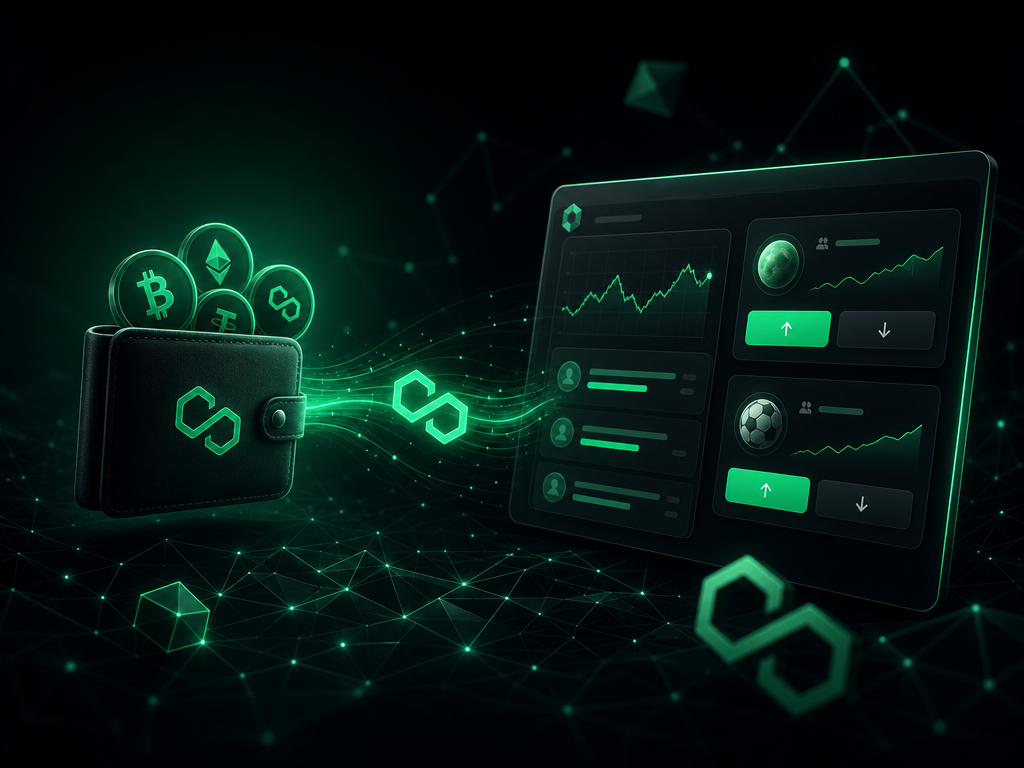
After connecting your wallet, you need to deposit USDC into Polymarket’s smart contract:
- Click “Deposit” in the top right
- Enter the amount of USDC you want to deposit
- Approve the token spending in MetaMask (first time only — a one-time signature)
- Confirm the deposit transaction in MetaMask
- Wait ~30 seconds for the transaction to confirm on Polygon
Your balance now appears in Polymarket. You are ready to trade.
Step 5: Find and Trade Markets
Polymarket organizes markets by category: Politics, Sports, Crypto, Science, Pop Culture, and more. Here is how to navigate:
Finding markets:
- Use the search bar at the top
- Browse trending markets on the homepage
- Check the “New” tab for freshly created markets
Reading a market: Each market is a yes/no question with a current price. If “Will Bitcoin exceed $100K in 2026?” trades at 35¢, the market believes there is a 35% probability.
Placing a trade:
- Click on a market
- Choose YES or NO
- Enter how many shares you want to buy (each costs the current price, pays $1 if correct)
- Click “Buy”
- Confirm the transaction in your wallet
Important: You can sell your position at any time before the market resolves. You do not have to hold until the end. If you buy YES at 35¢ and the price rises to 55¢, you can sell for a profit immediately.
Step 6: Withdrawing Your Winnings
When markets resolve or you sell at a profit, your USDC balance increases. To cash out:
- Click “Withdraw” in the top right
- Enter the amount to withdraw
- Confirm the transaction in MetaMask
- USDC appears in your wallet on Polygon
- Send USDC to your exchange (Coinbase, Kraken, etc.) to convert to USD/EUR
Withdrawals typically take 1-2 minutes on Polygon. Gas fees are fractions of a cent.
Polymarket vs Kalshi for Beginners
| Polymarket | Kalshi | |
|---|---|---|
| Onboarding | Wallet + USDC setup (harder) | Debit card (easier) |
| KYC | None | Required (ID verification) |
| Available from | Worldwide | US + select countries |
| Fees | 0% + gas fees | 0% |
| Market variety | Politics, science, culture, crypto | Sports (90%), weather, economics |
| Speed | New markets appear in minutes | Hours to days for approval |
If you are comfortable with basic crypto, Polymarket’s onboarding takes 15 minutes and opens up a much wider range of markets than Kalshi. If crypto feels overwhelming, start with Kalshi’s fiat on-ramp and add Polymarket later.
Common Beginner Mistakes
Sending USDC on the wrong network. Always use Polygon. If you send USDC on Ethereum mainnet, you will pay high gas fees and need to bridge it. Double-check the network before every transaction.
Not saving your seed phrase. Write it down on paper. Do not screenshot it. Do not store it in Google Docs. Your seed phrase is the only way to recover your wallet if your computer dies.
Trading without understanding the market rules. Every Polymarket market has resolution criteria. Read them. Some markets resolve based on specific news sources or data feeds. If you misunderstand the criteria, you can be right about the event and still lose.
Overpaying gas. Polygon gas fees are normally under $0.01. If you see a transaction asking for $5+ in gas, you are probably on the wrong network. Cancel and check.
EdgeOutcome may earn a commission if you sign up through our affiliate links. Start trading on Polymarket or compare it with Kalshi’s zero-fee platform. Track your cross-platform trades with our Trading Journal template and read our Kalshi vs Polymarket comparison for the full breakdown.